webex-logowebex-logo도움말 센터
  • Ctrl K
    • 시작하기
    • 제품별 도움말
    • 장치
    • 관리
    • 새로운 소식
    • Support

      Join a meeting
      Developer ToolsDeveloper Tools
      Adoption Hub
      Contact Support

      learn

      Video resources
      Webex AcademyWebex Academy
      Live Events and WebinarsLive Events and Webinars
      Webex BlogWebex Blog

      programs

      Webex CommunityWebex Community
      Webex InsiderWebex Insider
      App HubApp Hub
      Cisco AI Assistant

      Cisco AI Assistant

      The most advanced generative AI-powered platform for hybrid work and customer experience.

      Learn more →
      webexDownload Webex
      +1-888-469-3239Contact Sales →
    • Ctrl K
      • Dansk
      • Deutsch
      • English 언어 틱
      • Español
      • Français
      • Italiano
      • Nederlands
      • Português
      • Pyccĸий
      • Svenska
      • Tϋrkçe
      • 한국어
      • 日本語
      • 简体中文
      • 繁體中文
      • Română
      • Magyar
      • Polski
      • Čeština
      • Български
      • Norsk
      • Hrvatski
      • Srpski
      • Українська
      • العربية
      • עברית
      • Suomi
      • Slovenščina
      • Slovenský
    HomeDevices

    Need help with Cisco Devices?

    Explore guides, tips and resources to help you get the most out of your devices in every workspace.
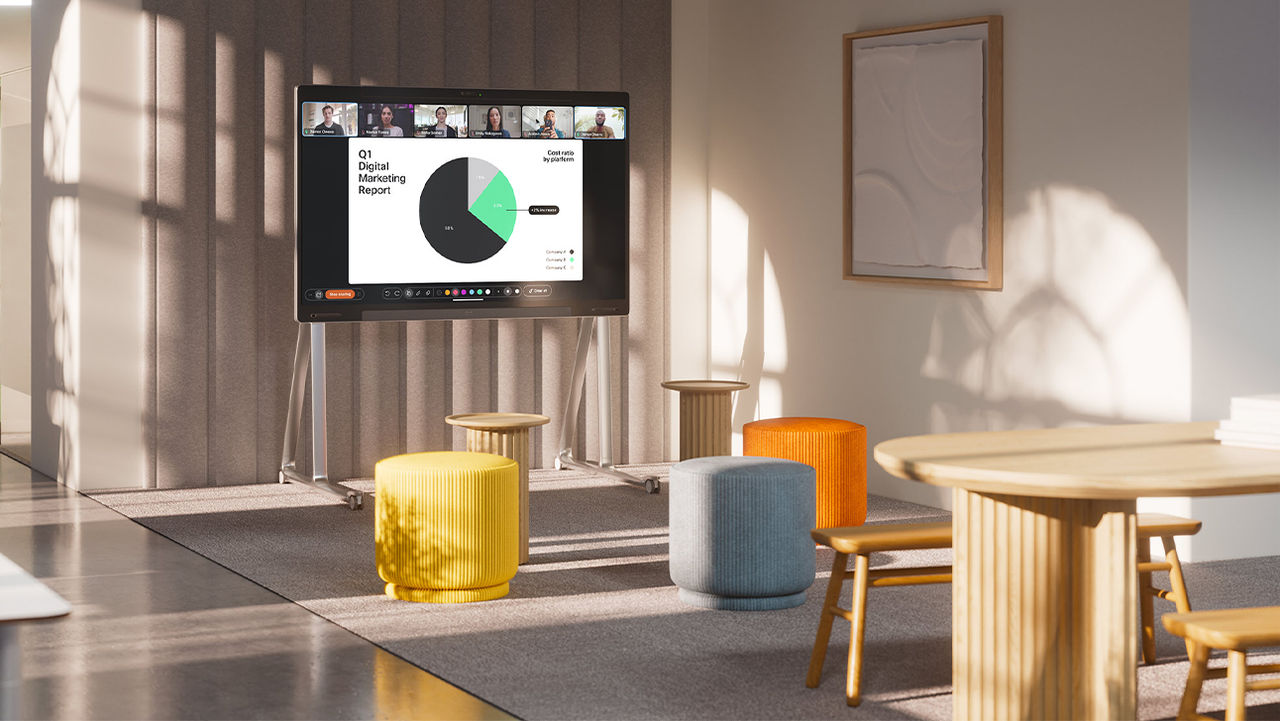
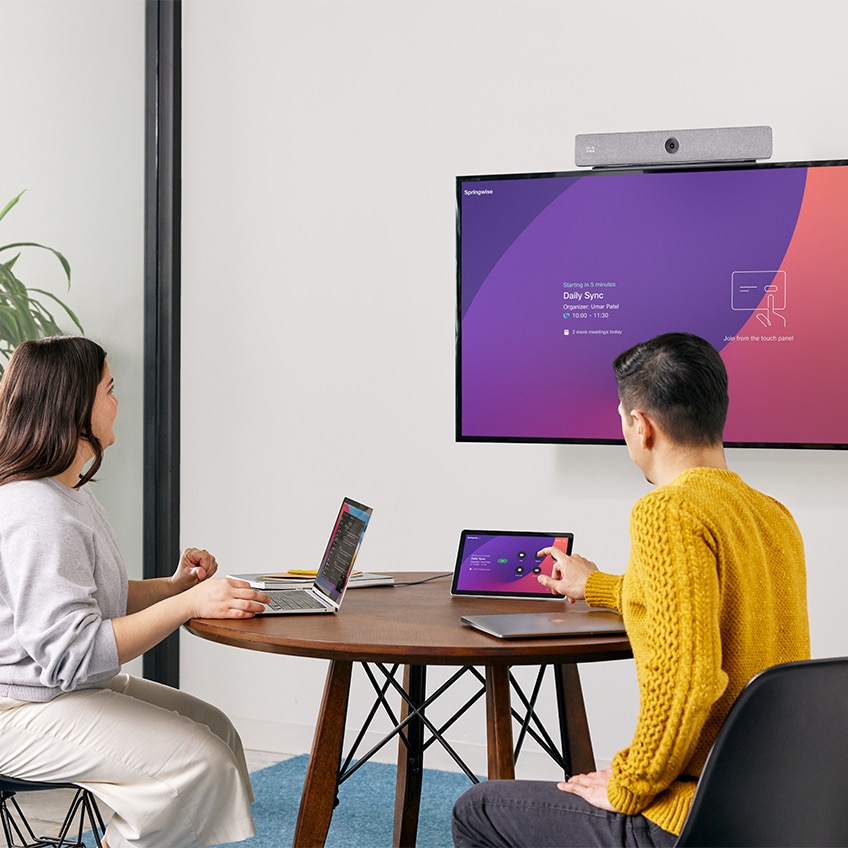
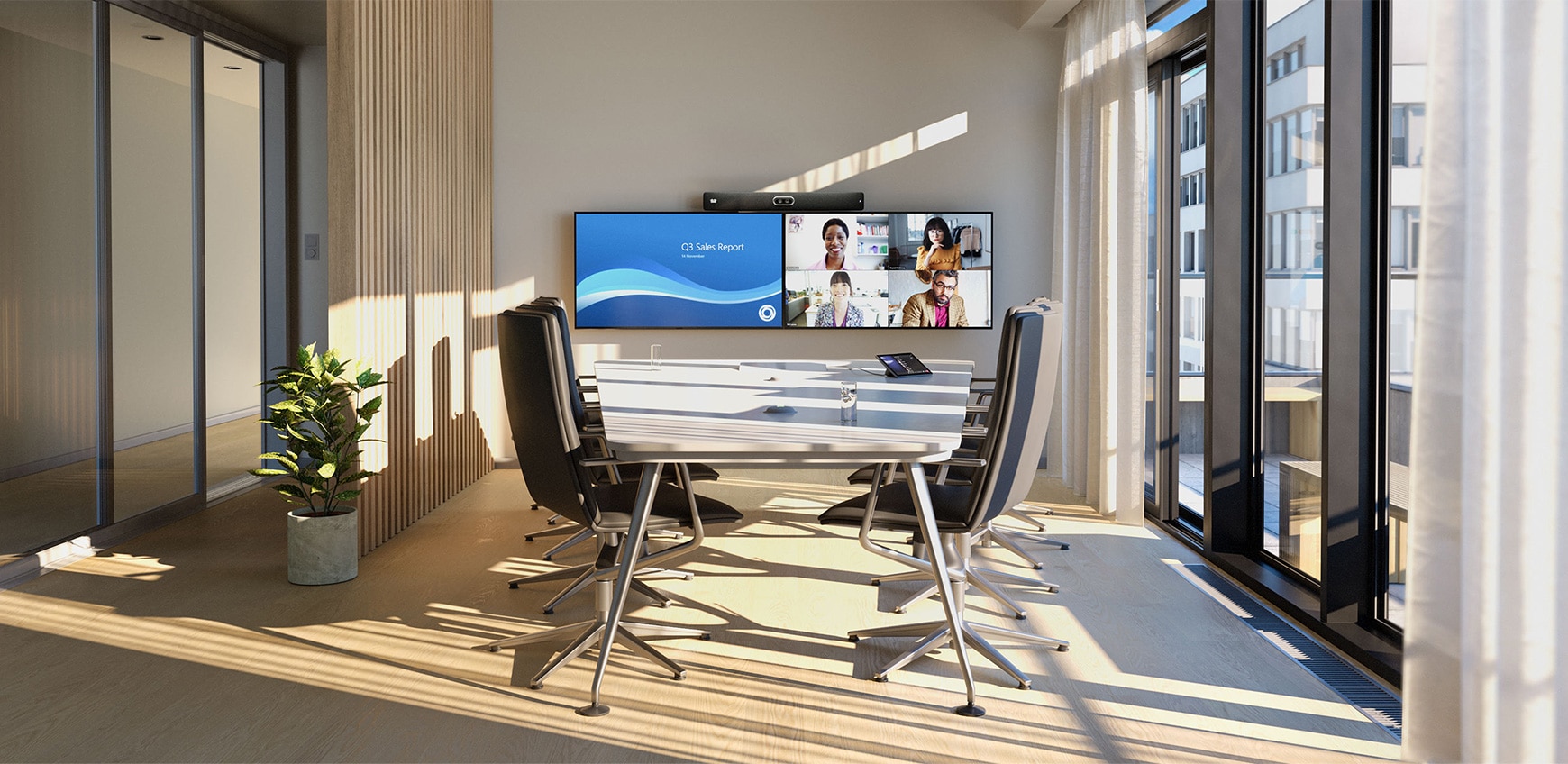
      Cisco devices in a training room workspace

      Learn about Desk Devices Cisco devices

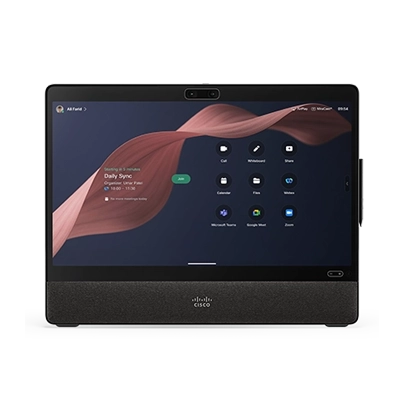
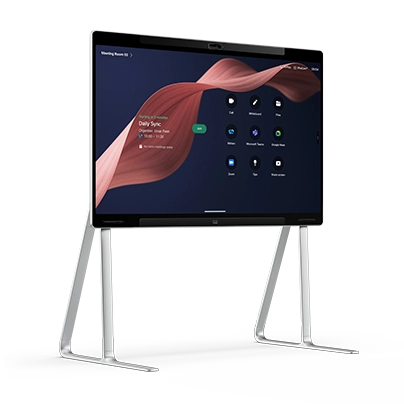
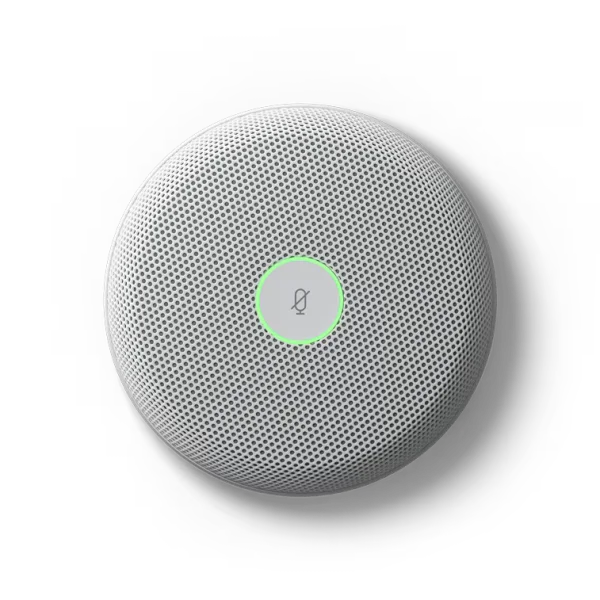
      Desk Devices

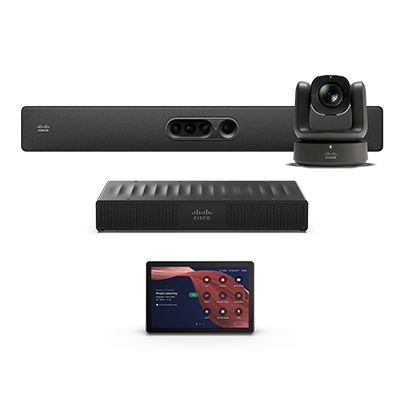
      Room Devices

      Digital Whiteboards

      Accessories

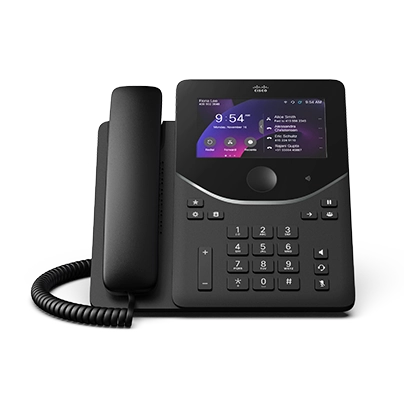
      Phones

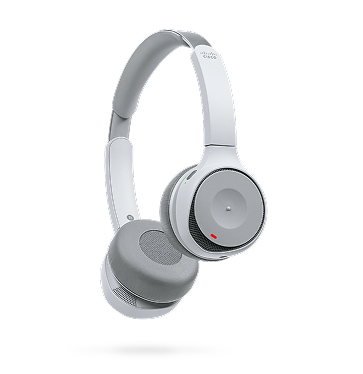
      Headsets

      Cameras

      What's new with Cisco Devices?

      The latest RoomOS features and device updates.
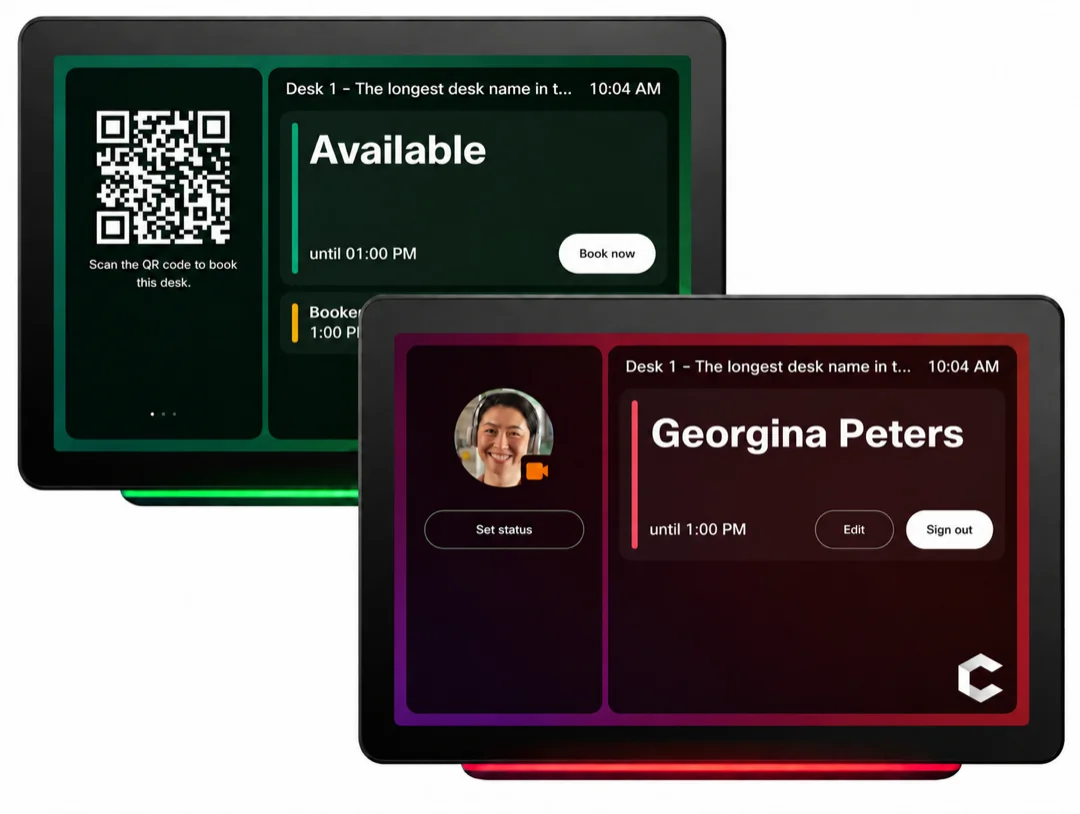
      Room Navigator desk-booking screens showing an available desk with a QR code and a signed-in user
      September 9, 2026

      Standalone Room Navigator as a desk-booking device

      Use a standalone Cisco Room Navigator to manage desk bookings in flexible workspaces. Assign the Navigator to a workspace with the Desk type, and users can scan a QR code with the Webex App to sign in.

      Get started

      Choose the path that's right for you.

      New to Cisco Devices?

      Set up and start using your devices quickly.

      Get started with Board, Desk, and Room Series
      Set up your device as a personal device
      Room setup and installation of devices
      Join Webex meetings

      Administrator?

      Plan, deploy, and manage devices at scale.

      Cloud onboarding for Board, Desk, and Room Series
      Activate a device
      RoomOS software upgrades
      Device alerts
      Manage all devices in Control Hub

      Meet your way

      Schedule a Webex meeting

      Join a Webex meeting

      Share content in Webex

      Trending resources

      Trending articles

      View all
      Room setup and installation of devicesDevices
      RoomOS software upgradesRoomOS
      Join Webex meetingsMeetings
      Device configurationControl Hub
      Workspace analyticsAnalytics
      Share content with a cableDevices
      Shared devices in a workspace

      Add shared devices and services to a workspace

      You can set up shared Webex devices in workspaces, add services, and then watch the collaboration happen.

      Learn more

      Need more help?

      Knowledge base

      Search the Webex knowledge base for support resources.

      Community

      Get answers from a community of enthusiasts.

      Webex Status

      See if any outages are affecting your Webex service.

      이 페이지에서 경험한 내용에 대해 어떻게 평가하시겠습니까?

      유용하지 않음

      유용함

      이 페이지에 어떤 내용을 보완하면 더욱 유용할 수 있을까요?

      피드백을 보내 주셔서 감사합니다.
      가격Webex 앱MeetingsCalling메시징화면 공유
      Webex SuiteCallingMeetings메시징SlidoWebinars이벤트Contact CenterCPaaS보안Control Hub
      헤드셋카메라Desk 시리즈Room 시리즈Board 시리즈전화 시리즈보조 프로그램
      교육의료 서비스정부재무스포츠 및 엔터테인먼트최전선비영리스타트업하이브리드 작업
      다운로드테스트 미팅 참여하기온라인 학습통합접근성포용성실시간 및 주문형 웨비나Webex 커뮤니티Webex 개발자뉴스 및 혁신
      Cisco지원 연락처영업팀에 문의Webex BlogWebex 사고적 리더십Webex Merch 스토어경력
      • X
      • LinkedIn
      • Facebook
      • Youtube
      • Instagram
      약관 및 조건개인 정보 보호 정책쿠키등록 상표
      ©2026 Cisco 및/또는 관련 제휴. All rights reserved.
      약관 및 조건개인 정보 보호 정책쿠키등록 상표