webex-logowebex-logo說明中心
  • Ctrl K
    • 入門
    • 依產品提供的說明
    • Devices
    • 管理
    • 新功能
    • Support

      Join a meeting
      Developer ToolsDeveloper Tools
      Adoption Hub
      Contact Support

      learn

      Video resources
      Webex AcademyWebex Academy
      Live Events and WebinarsLive Events and Webinars
      Webex BlogWebex Blog

      programs

      Webex CommunityWebex Community
      Webex InsiderWebex Insider
      App HubApp Hub
      Cisco AI Assistant

      Cisco AI Assistant

      The most advanced generative AI-powered platform for hybrid work and customer experience.

      Learn more →
      webexDownload Webex
      +1-888-469-3239Contact Sales →
    • Ctrl K
      • Dansk
      • Deutsch
      • English 語言勾選
      • Español
      • Français
      • Italiano
      • Nederlands
      • Português
      • Pyccĸий
      • Svenska
      • Tϋrkçe
      • 한국어
      • 日本語
      • 简体中文
      • 繁體中文
      • Română
      • Magyar
      • Polski
      • Čeština
      • Български
      • Norsk
      • Hrvatski
      • Srpski
      • Українська
      • العربية
      • עברית
      • Suomi
      • Slovenščina
      • Slovenský
    HomeDevices

    Need help with Cisco Devices?

    Explore guides, tips and resources to help you get the most out of your devices in every workspace.
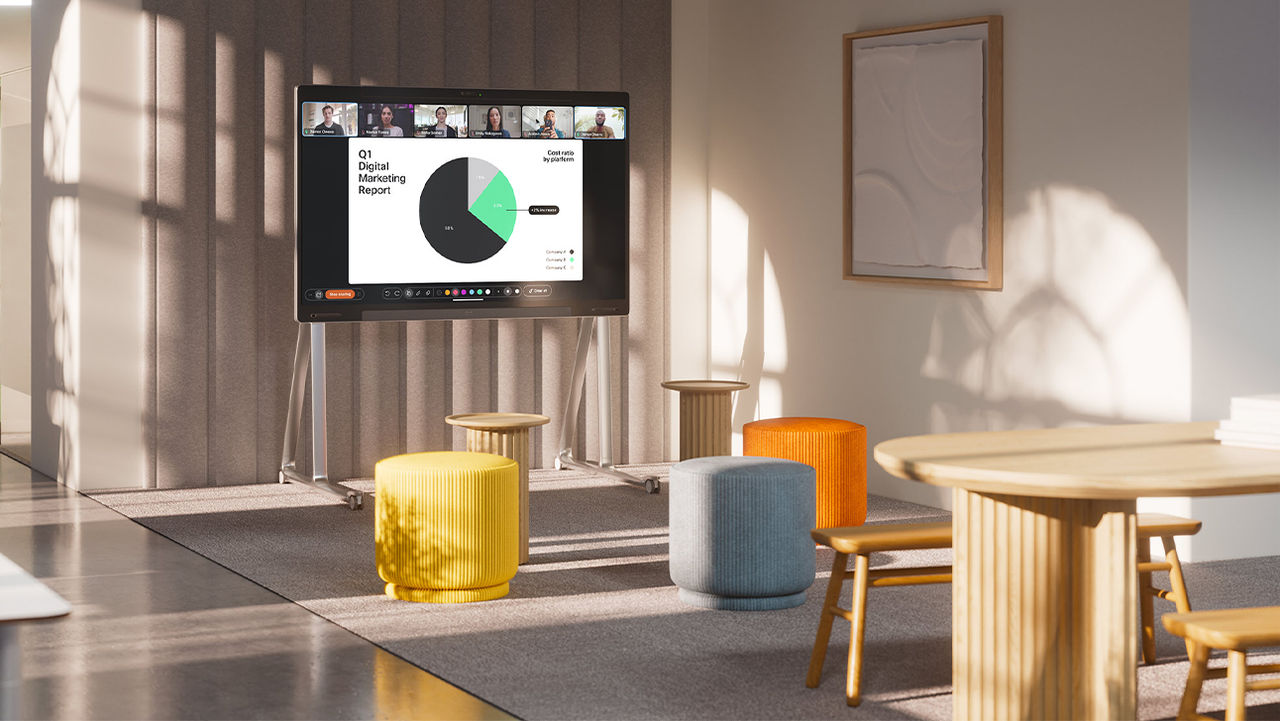
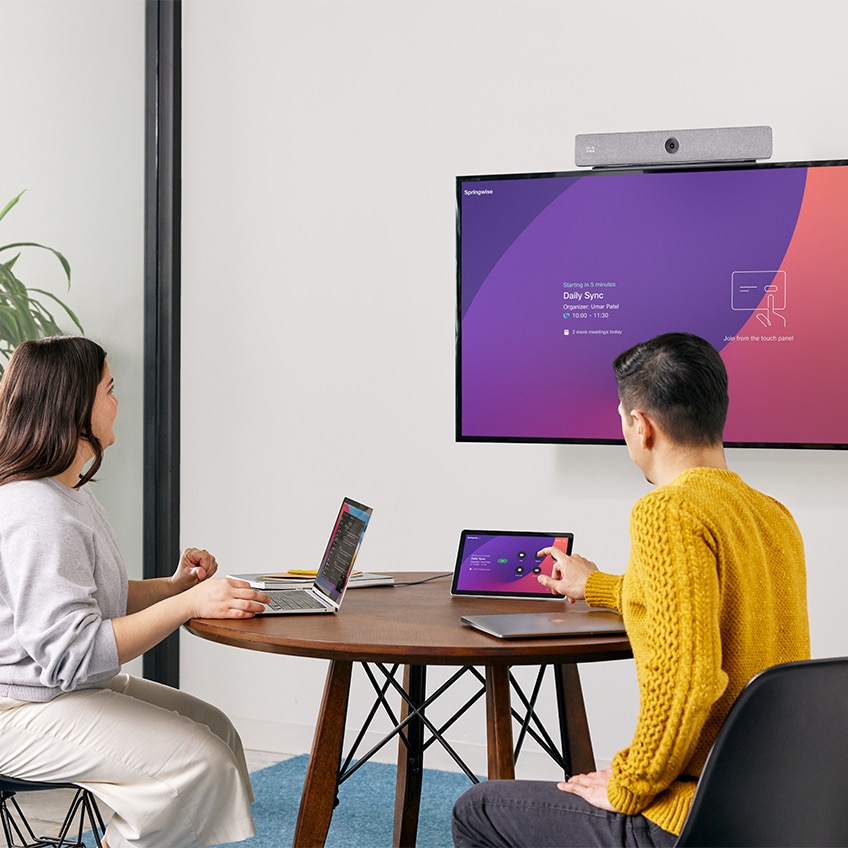
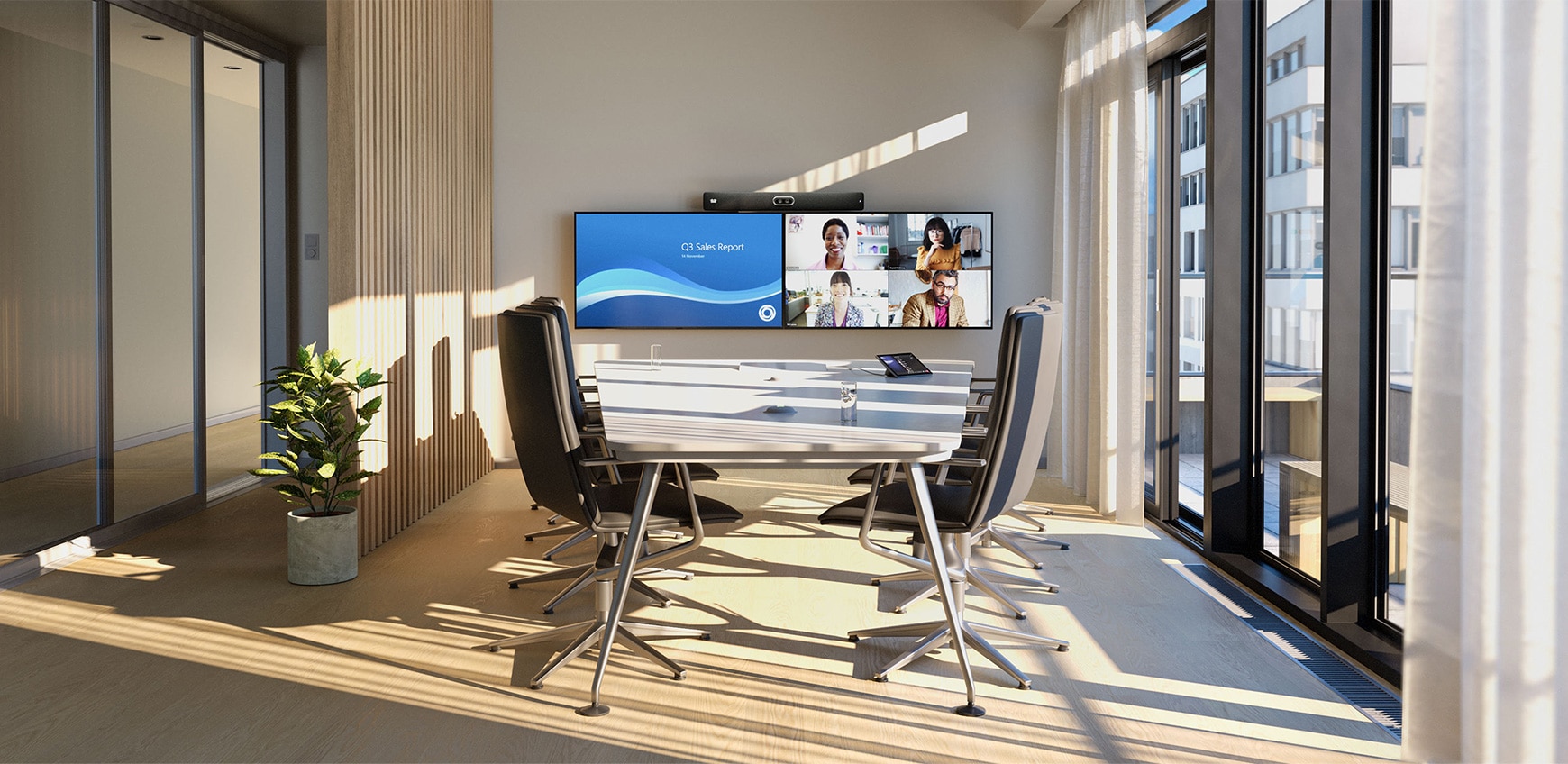
      Cisco devices in a training room workspace

      Learn about Desk Devices Cisco devices

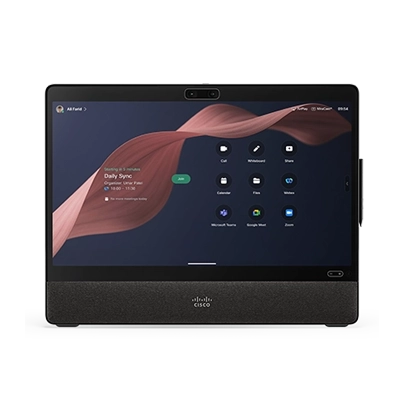
      Desk Devices

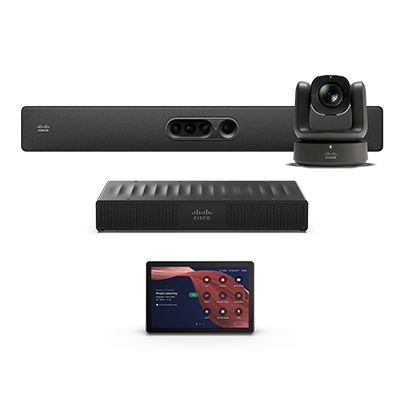
      Room Devices

      Digital Whiteboards

      Accessories

      Phones

      Headsets

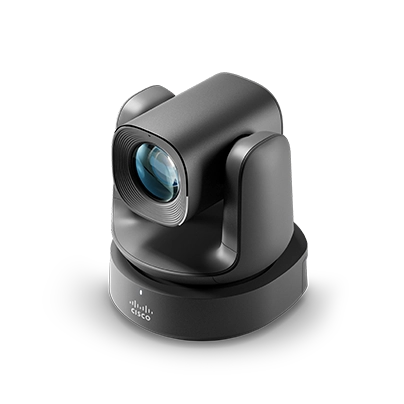
      Cameras

      What's new with Cisco Devices?

      The latest RoomOS features and device updates.
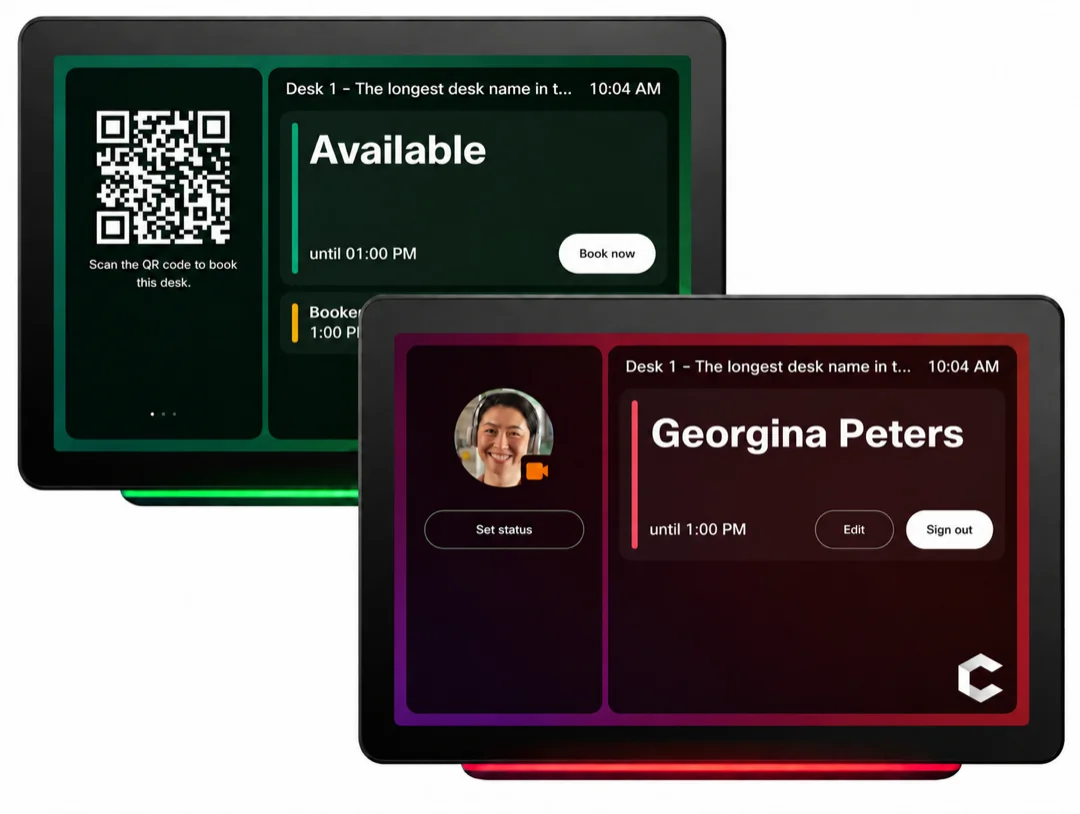
      Room Navigator desk-booking screens showing an available desk with a QR code and a signed-in user
      September 9, 2026

      Standalone Room Navigator as a desk-booking device

      Use a standalone Cisco Room Navigator to manage desk bookings in flexible workspaces. Assign the Navigator to a workspace with the Desk type, and users can scan a QR code with the Webex App to sign in.

      Get started

      Choose the path that's right for you.

      New to Cisco Devices?

      Set up and start using your devices quickly.

      Get started with Board, Desk, and Room Series
      Set up your device as a personal device
      Room setup and installation of devices
      Join Webex meetings

      Administrator?

      Plan, deploy, and manage devices at scale.

      Cloud onboarding for Board, Desk, and Room Series
      Activate a device
      RoomOS software upgrades
      Device alerts
      Manage all devices in Control Hub

      Meet your way

      Schedule a Webex meeting

      Join a Webex meeting

      Share content in Webex

      Trending resources

      Trending articles

      View all
      Room setup and installation of devicesDevices
      RoomOS software upgradesRoomOS
      Join Webex meetingsMeetings
      Device configurationControl Hub
      Workspace analyticsAnalytics
      Share content with a cableDevices
      Shared devices in a workspace

      Add shared devices and services to a workspace

      You can set up shared Webex devices in workspaces, add services, and then watch the collaboration happen.

      Learn more

      Need more help?

      Knowledge base

      Search the Webex knowledge base for support resources.

      Community

      Get answers from a community of enthusiasts.

      Webex Status

      See if any outages are affecting your Webex service.

      如何評價您在此頁面上的體驗?

      無幫助

      有幫助

      我們要怎樣做才能讓此頁面對您更有幫助?

      感謝您的意見回饋。
      定價Webex 應用程式MeetingsCallingMessaging螢幕共用
      Webex SuiteCallingMeetingsMessagingSlidoWebinarsEventsContact CenterCPaaS安全性Control Hub
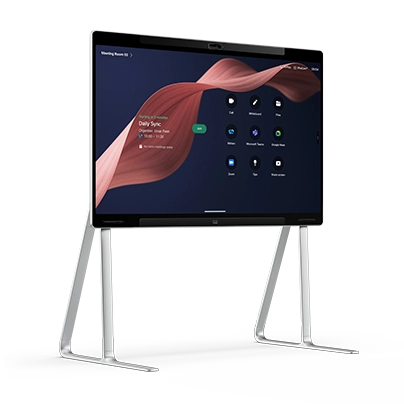
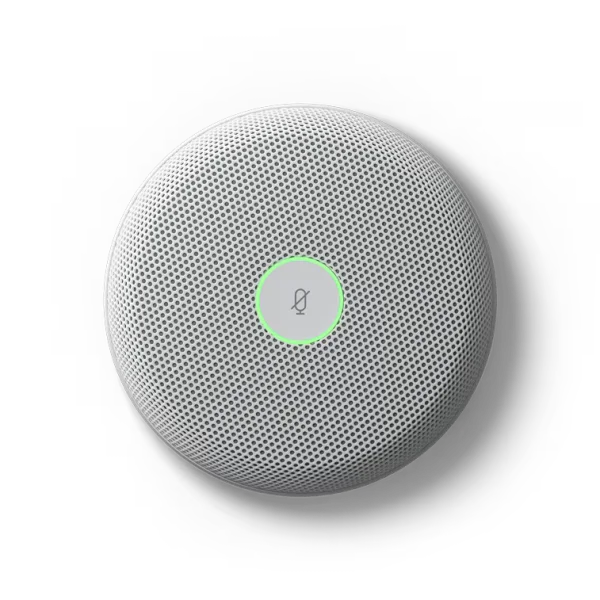
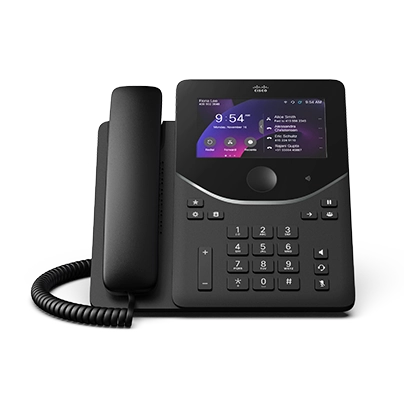
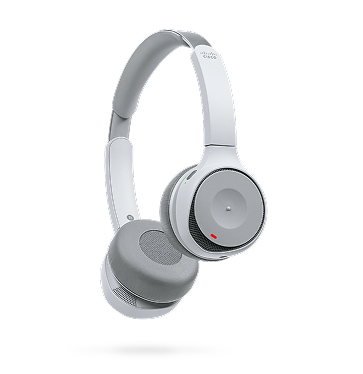
      耳機攝影機Desk 系列Room 系列Board 系列電話系列配件
      教育醫療保健政府財務運動與娛樂前線非營利啟動混合式工作
      下載加入測驗會議線上課程整合協助工具包容性即時和隨選網路研討會Webex 社群Webex 開發人員新聞與創新
      Cisco聯絡技術支援聯絡銷售人員Webex 部落格Webex 思想領導力Webex Merch Store職業
      • X
      • LinkedIn
      • Facebook
      • Youtube
      • Instagram
      條款和條件隱私權聲明Cookie商標
      ©2026 Cisco 和/或其子公司。保留所有權利。
      條款和條件隱私權聲明Cookie商標